Drive Smarter: Gemini AI Just Changed Google Maps Forever
Google Maps just received a massive intelligence boost that turns your navigation into a real-time conversation. With the new Gemini integration, your car’s dashboard is no longer just a static map, but an active partner that handles complex logistics while you focus on the road.
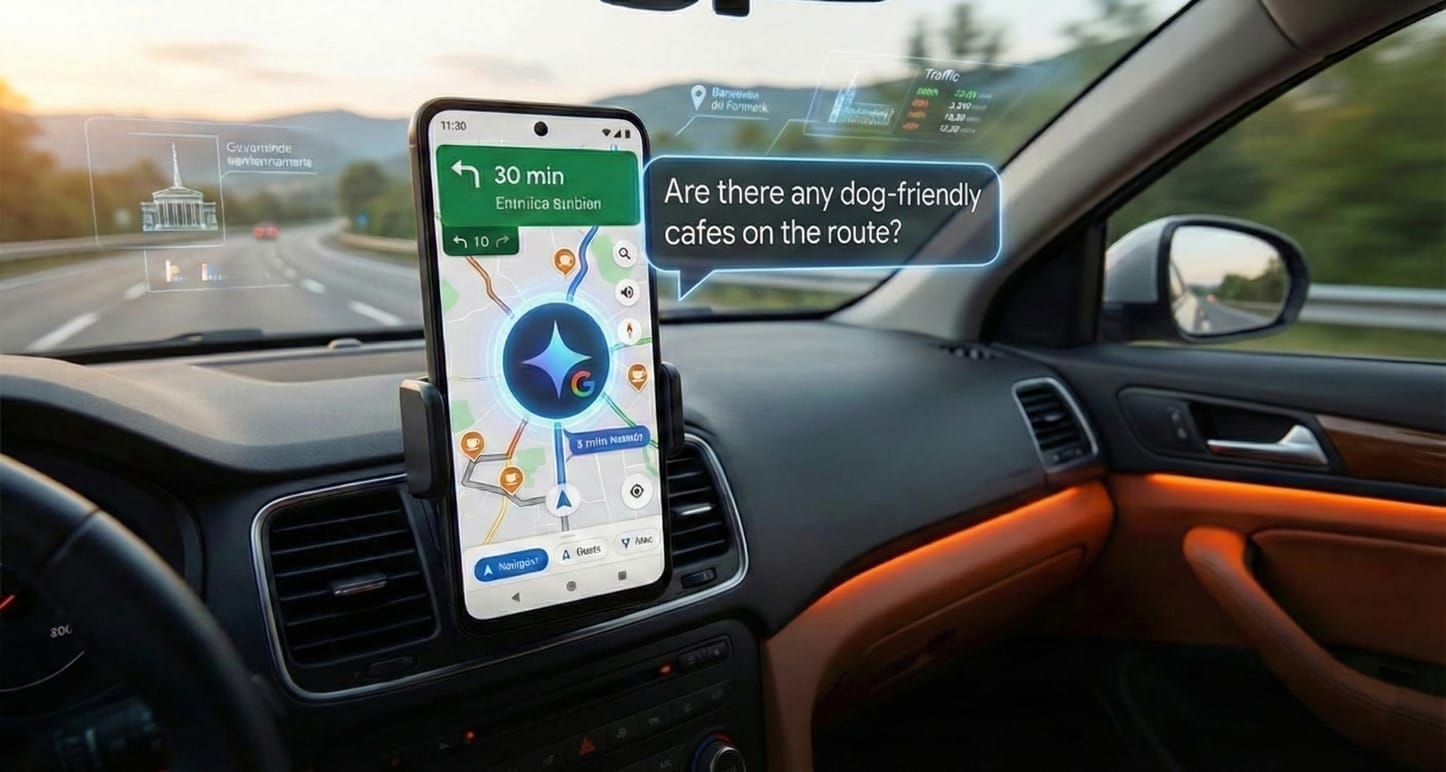
Conversational Navigation and Route Planning
Forget the days of shouting rigid, one-word commands at your phone. You can now talk to your navigation system using natural language to find exactly what you need without taking your hands off the wheel.
Try asking, "Are there any dog-friendly cafes with high ratings along my current route?" or "What’s the parking situation like near my destination?" Gemini processes these requests instantly and can modify your route with a simple "Let's go" confirmation.
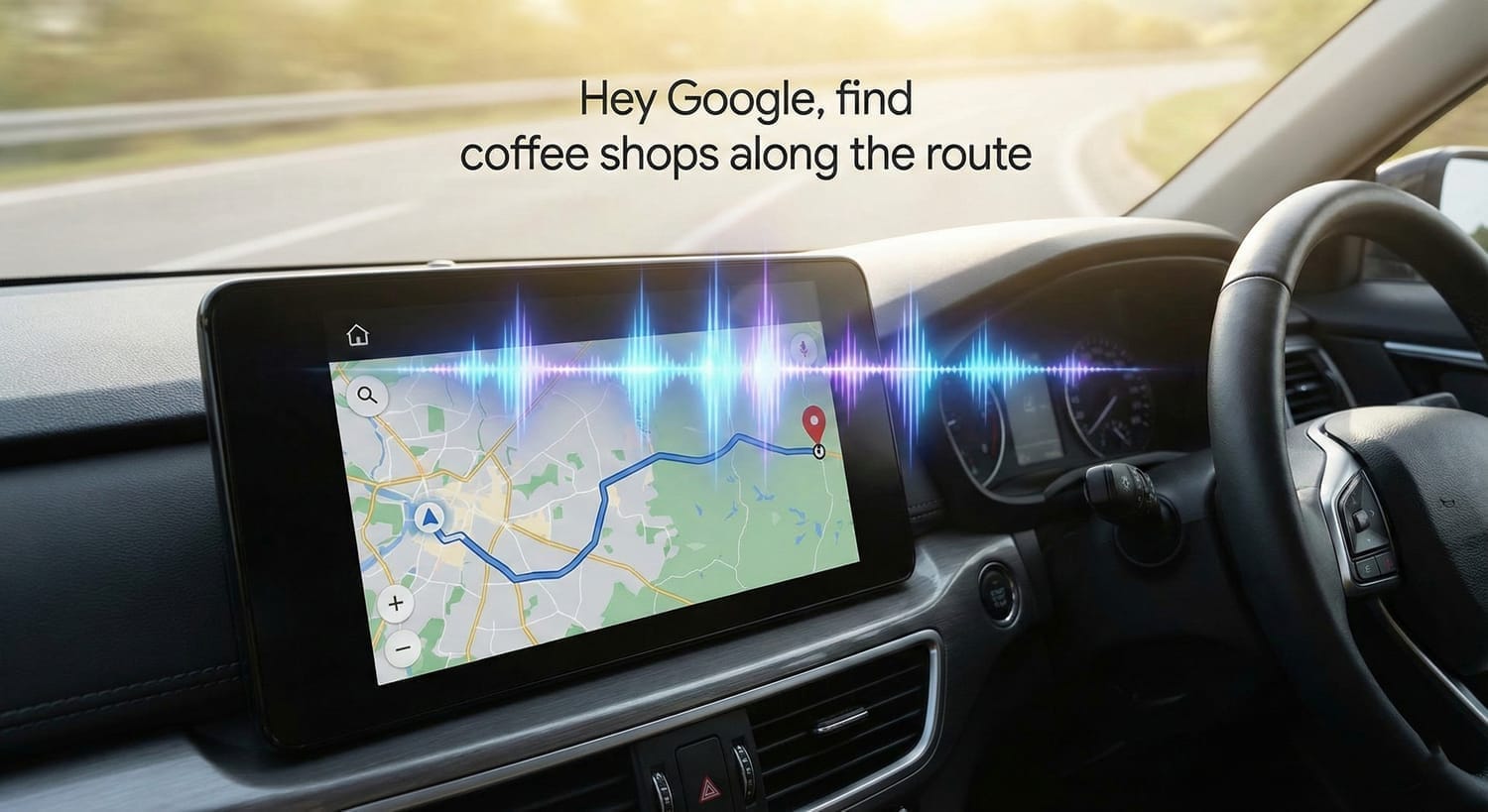
A Personal Assistant Behind the Wheel
The update turns your drive into a productive session by helping you organize your life on the fly. You can report traffic hazards naturally—like saying "There's a massive jam ahead of me"—and the system updates the network for everyone.
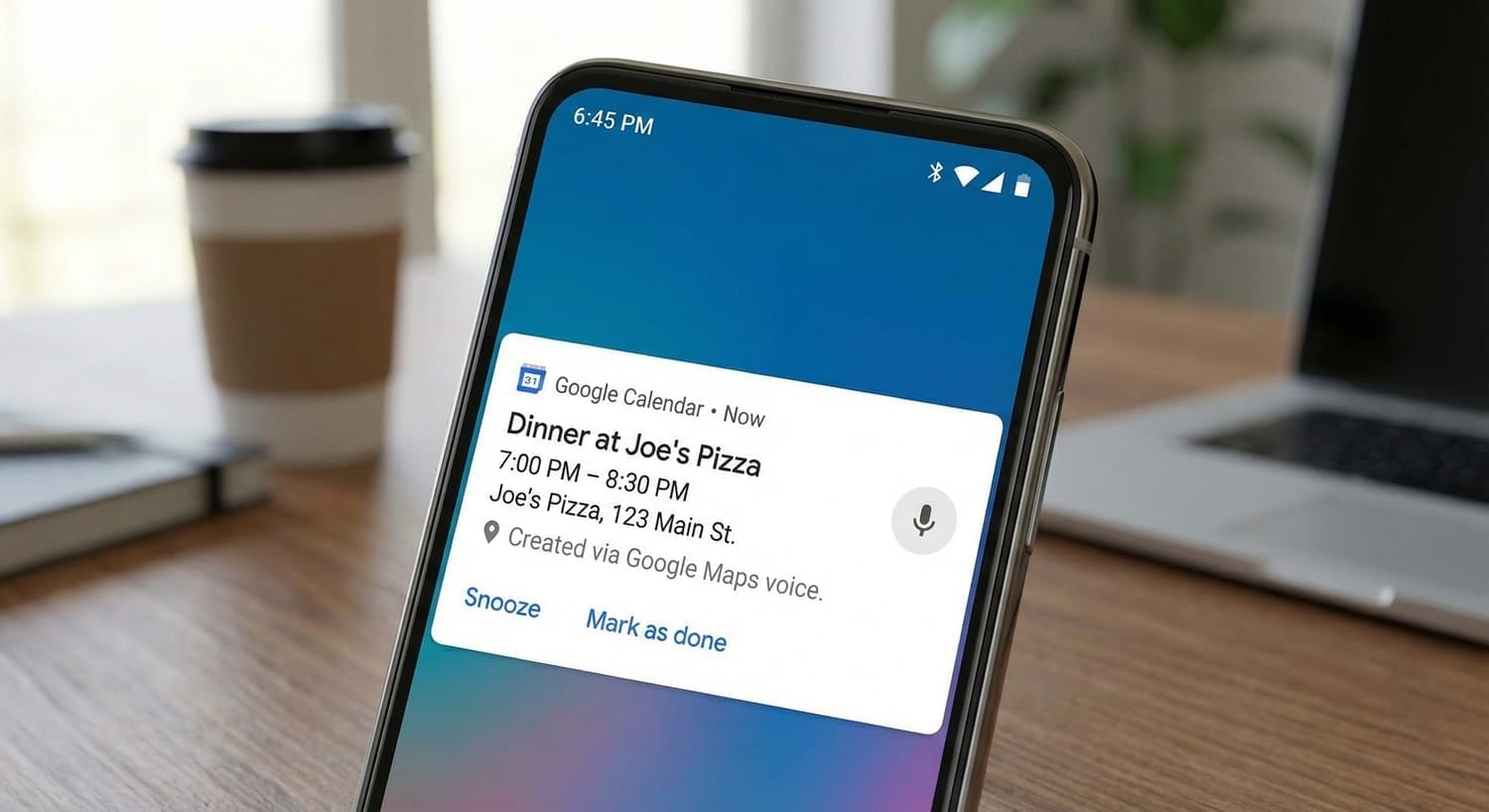
Beyond driving, you can now manage your schedule with simple voice prompts. Ask Gemini to "Add a birthday dinner to my calendar for Friday night," and it syncs perfectly with your Google account without you ever touching a screen.
Visual Intelligence with Google Lens
When you arrive at a new location, the integrated Google Lens feature provides instant visual clarity. Simply point your camera at a restaurant or shop to get deep insights into the venue before you even step inside.
You can ask Gemini specific questions about what you're seeing, such as "Does this place have outdoor seating?" or "What’s the vibe inside right now?" It’s like having a local expert standing right next to you.
Crucial Setup and Limitations
While the features are rolling out, Apple CarPlay users should note that full integration isn't live yet, though you can still use the features directly within the iOS app. Android Auto users are next in line for the full update very soon.
To get started, you must enable microphone permissions in both Google Maps and the Gemini app. Make sure you toggle on the "Hands-free with Hey Google" option in your navigation settings to unlock the full hands-free experience.
The fusion of Google Maps and Gemini is the biggest step toward intelligent driving we’ve seen in a decade. If you value efficiency and safety, update your apps now and put this to the test on your next trip.